We are relying on our connector on the queue_job module. This module was developed by Community for already almost 10 years and proved to be the best solution for scalable integrations with another systems.
However, as described in README.md to this module – this module has some issues and limitations. For example, sometimes if you restart Odoo in the middle of the job execution or job will time-out it will be stuck in “Started” ot “Enqueued” status. That can block other jobs from being executed.
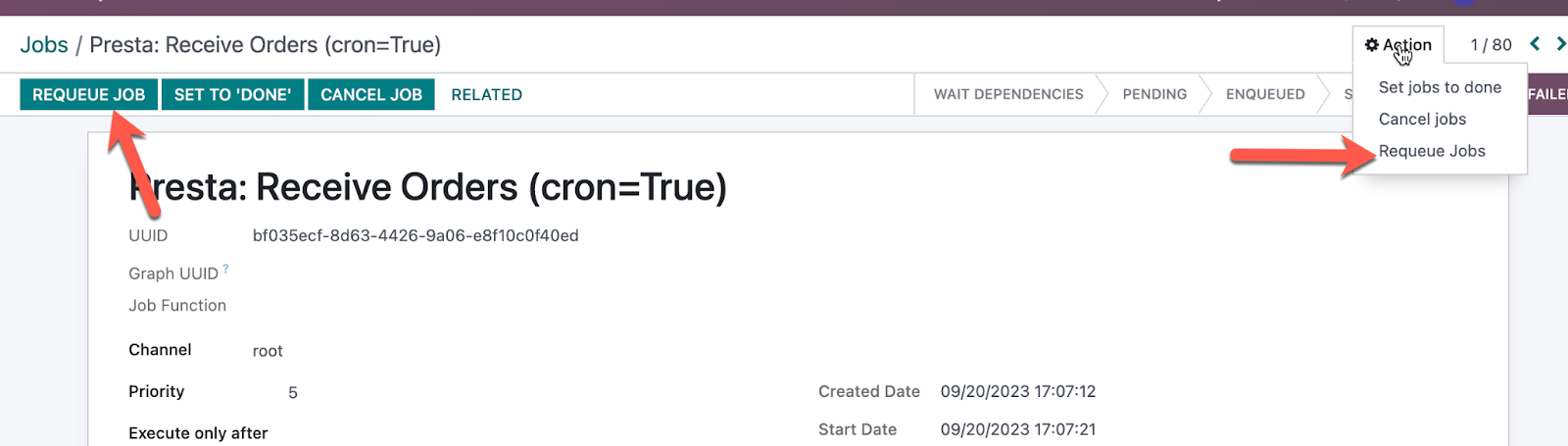
You either can manually Requeue job by click button or Action.
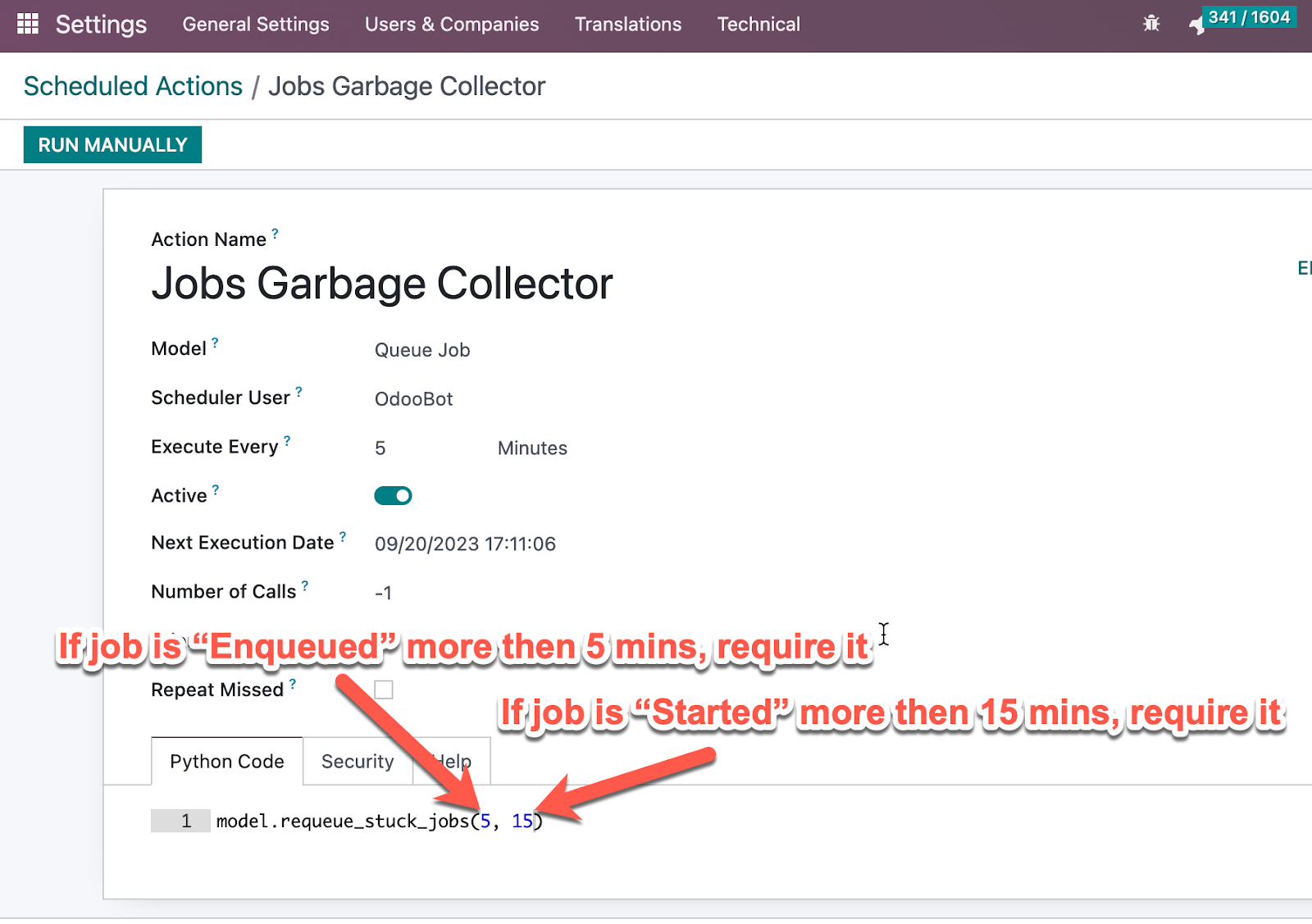
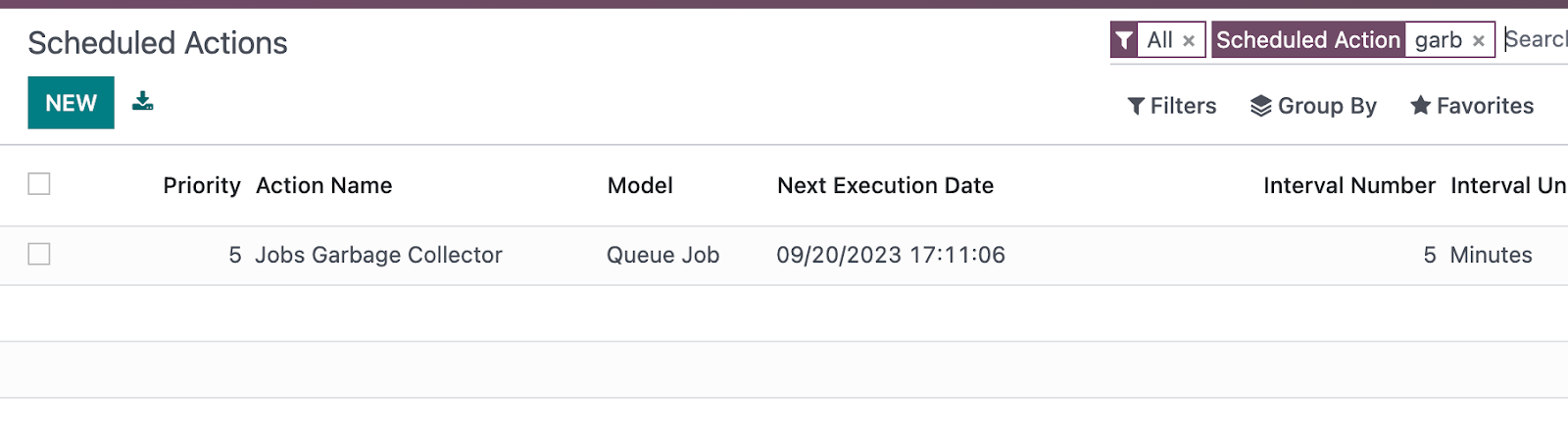
Or there is a mechanism to automatically “Requeue” stuck jobs automatically. In Settings → Automation → Schedule Actions menu (visible in Debug mode) there is job with name “Jobs Garbage Collector”
It can be modified in a way that it will automatically requeue jobs in “Enqueued” or “Started” status. As on screenshot below